The Short Answer
A ChatGPT Business Profile is a listing that an eligible owner can claim in OpenAI's Business Hub, verify, and keep accurate. OpenAI launched the beta on November 10, 2026, and claiming is free at launch. It does not guarantee that ChatGPT will recommend your business or send you more customers. What it gives you is a way to correct the facts ChatGPT shows about you and, once you are verified, aggregate numbers on mentions and website clicks.
For 37 years I have watched the way customers find professionals change. Referrals and printed directories came first, then websites, Google, and Google Business Profiles. Now a homeowner in Towson can ask ChatGPT, "Who does date-of-death home appraisals near Baltimore?" and get an answer without ever opening a search page.
OpenAI says ChatGPT reaches about 1.2 billion people a week. That is a worldwide figure, not a count of Baltimore customers, but it is why a new place to manage your business information is worth an hour of your time.
What Is a ChatGPT Business Profile?
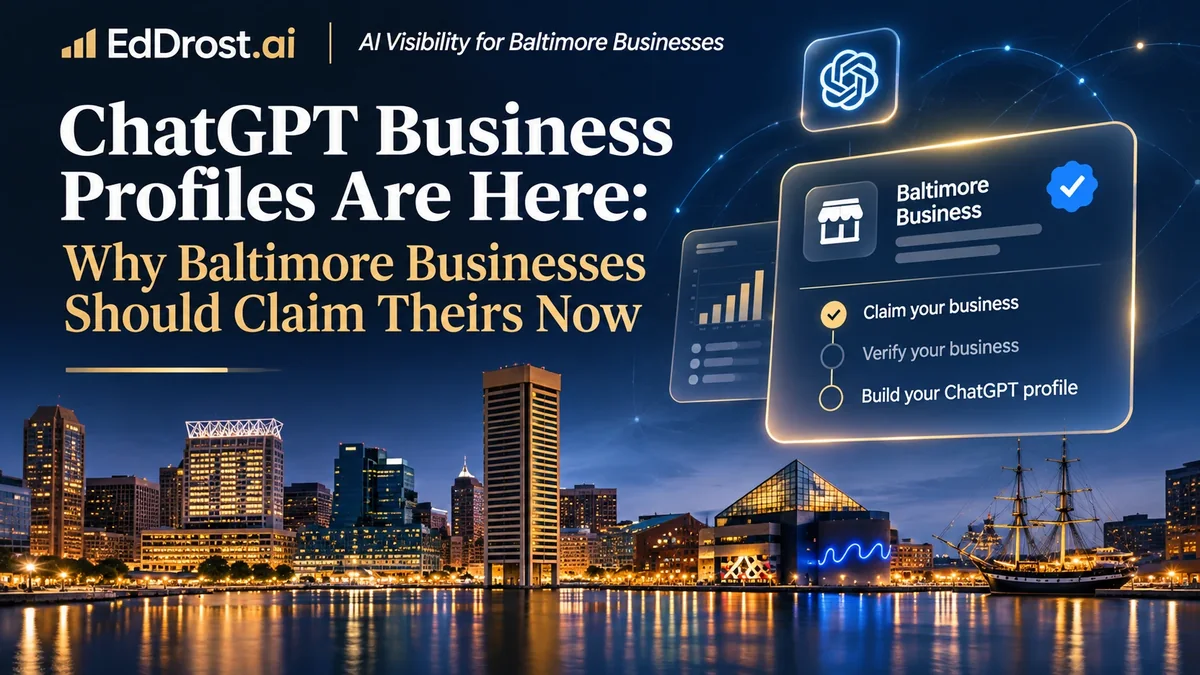
A ChatGPT Business Profile is a business listing inside ChatGPT that the owner or an authorized representative can claim through Business Hub, a new section in the ChatGPT sidebar. After verification, you can correct and add details such as your website, description, category, and logo. Business Hub also shows aggregate insights, and some eligible businesses can publish an AI Business Agent.
It is not an ad. It is not a replacement for your Google Business Profile. And it is not a ranking lever. Coverage of OpenAI's setup guide also says that claiming does not decide whether a profile appears, so your business may already have a listing that you simply have not claimed yet.
What OpenAI Launched on November 10
Three separate pieces arrived together. They have different rules, so keep them apart in your mind.
1. Claiming and profile management
You search for your listing, prove you are authorized to represent the business, and then submit accurate information. OpenAI reviews and publishes each change. For a Baltimore service business, the fields that matter most are your website, description, category, and logo. Online sellers can also connect a product feed.
2. Business Hub insights
Business Hub reports mentions, website clicks, and "discovery topics," which are common themes in conversations where your site appeared. Coverage of OpenAI's setup guide says the window is the past 28 days, and that for online businesses a mention counts only when ChatGPT references your website, not just your name. Figures appear only after enough conversations build up, so a blank number does not necessarily mean zero. OpenAI does not share individual conversations with businesses.
These insights could be useful. If you learn that people reach your site through questions about estate valuations, that tells you what to write next. They are counts, though, not leads.
3. Business Agents
A Business Agent is an AI representative that chats with customers on your behalf, labeled as separate from ChatGPT's own answers. OpenAI's rules require it to disclose that it is AI and bar it from asking customers for government IDs or financial credentials. At launch it is free, though reporting says OpenAI did not rule out charging later.
Here is the limit that matters for most local businesses. Agents are open only to eligible U.S. ecommerce and online service businesses with a website. Local stores and restaurants can claim an existing U.S. listing but cannot publish an agent. I would not expect a traditional appraisal practice like mine to qualify either. Claiming a profile does not make you eligible for an agent.
Who Can Claim One?
OpenAI says any eligible business located where ChatGPT is available can claim a profile, provided verification is supported for that business. Three things to know:
- Physical businesses can claim, but not necessarily create. Stores and restaurants can currently claim only an existing U.S. listing. Online businesses that are not listed may be offered the option to add themselves.
- You may already have a listing. Your first step is to search for it, not to build one.
- You must be authorized. Do not claim a business you are not entitled to represent, and do not create duplicate identities.
What I Saw When I Claimed My Own Business
On November 11, I tested the process with my own company, Residential Appraisal Solutions, LLC. I wanted to see it firsthand before advising anyone else.
For my listing, ChatGPT offered two ways to prove ownership: a code sent to the business phone by text or call, or a DNS record on my website domain. I chose the phone code. The screen then confirmed, "You've claimed Residential Appraisal Solutions, LLC," and offered business management, Business Agent review, and advertising options.
Here is the distinction I want every owner to understand. That confirmation is the claim. It is not the same as being verified. OpenAI also requires an identity check through Persona before you can publish changes, see insights, or create an agent, and the blue verified check comes from that approval. I am treating the claim as step one, and I will not describe my profile as verified until that step is done.
My takeaway is that starting is easy for an established business with a working business phone or website domain. The harder work comes afterward, making sure what ChatGPT can learn about you is accurate and consistent.
How to Claim Your Business: Step by Step
- Open Business Hub. Sign in to ChatGPT on the web and open Business Hub from the sidebar, using the account you want to manage the business with. OpenAI's launch announcement is linked in the sources below.
- Find your listing. Search by business name and choose the match. If you operate under a legal name and a public brand, check which one the listing carries. Mine are Residential Appraisal Solutions, LLC and Baltimore's Trusted Appraiser.
- Choose a verification method. Options include a code to your business phone, a code to your business email, a DNS TXT record on your website, or a Shopify login. You will see only the methods offered for your listing, and DNS changes can take time to show up.
- Wait for OpenAI's review. OpenAI reviews each claim and emails a decision or a request for more information.
- Pass the Persona identity check. Expect to provide a government-issued ID, business registration details, and proof that you can represent the business. Until you are approved, you cannot publish changes, connect a product feed, see insights, or create an agent.
- Complete and double-check your profile. Enter your website, description, category, and logo exactly as they appear on your site. If you serve customers at their locations, do not suggest that people can visit an office.
- Look at your insights once they populate, and use them as hints about what to write, not as proof of leads.
You do not need an advertising account or an Enterprise agreement to claim a profile. ChatGPT Business, the team subscription, is a different product.
Will Claiming Help Me Show Up in ChatGPT?
Not by itself. OpenAI says ChatGPT will keep making independent recommendations, and that claiming carries no guarantee of better placement or more sales. Coverage of the setup guide adds that ChatGPT may draw on other sources besides your profile. Be wary of anyone who promises otherwise.
There is also no verified evidence that a ChatGPT profile improves Google AI Overviews. Different companies run those systems, and a profile in one does not change the other.
Here is how I think about it in my 5 Signals framework: FIND, UNDERSTAND, TRUST, CITE, and RECOMMEND. A verified profile supports UNDERSTAND and TRUST. It helps a machine tell your business from a similarly named one, and it confirms that a real, authorized person stands behind it. It does nothing for CITE, which still depends on useful, experience-based answers on your own website. The 24-Signal Grid shows where each signal fits, and my entity grounding audit is the 30-minute check I use to make sure your name, license, phone, and profiles agree.
ChatGPT Business Profile vs. Google Business Profile
Do not abandon Google Business Profile. The two overlap, but they do different jobs.
| Feature | Google Business Profile | ChatGPT Business Profile |
|---|---|---|
| Where it appears | Google Search and Maps | ChatGPT |
| Ownership claim | Yes | Yes, for eligible businesses |
| Editable details | Yes | Yes, after verification; OpenAI reviews each change |
| Customer discovery | Search and map results, directions | AI-assisted conversations |
| Insights | Google's business performance tools | Mentions, website clicks, discovery topics (28-day window) |
| Cost to claim | Free | Free at launch |
| Guaranteed visibility | No | No |
For most established Baltimore businesses, the right move is to keep accurate, consistent information in both places and keep publishing useful content on your own site.
Why This Matters in Baltimore
Local customers describe a problem, a place, and an outcome. They often do not search for a company name. These are hypothetical questions, not reported results:
- A homeowner in Roland Park: "How do I find a certified residential appraiser for an inherited Baltimore home?"
- An estate attorney in Towson: "Which local appraisers handle retrospective estate valuations?"
- A contractor in Timonium: "How do I make my company easier for AI assistants to understand?"
Local relevance has to be earned. Listing every Maryland ZIP code is not local expertise. Explaining when an executor in Baltimore City needs a retrospective appraisal, or what older homes in Baltimore County tend to need, is. Real experience, specific explanations, and accurate geography give a profile something worth pointing to.
A 30-Day Plan for a Baltimore Business
- Days 1 to 7, identity. Find and claim your listing, start verification, and make sure your legal name, brand, website, phone, and services match everywhere.
- Days 8 to 14, service pages. For each service, answer five questions: what is it, who needs it, when is it useful, what happens during the process, and how do they reach you?
- Days 15 to 21, expert answers. Publish or improve three articles that answer real customer questions from your own experience.
- Days 22 to 30, test and measure. Ask ChatGPT and Google the questions your customers ask. Record what appears, whether it is accurate, and whether the traffic and calls are real. Results vary by user and session, so one good mention proves nothing.
What About ChatGPT Ads?
Ads are a separate decision. OpenAI has been offering new advertisers matching promotional credits, and reported amounts have ranged from $50 to $500, with terms that keep changing. Sponsored placements also stay separate from ChatGPT's independent answers. I would get my information accurate and my path to a phone call working before spending anything.
Mistakes to Avoid
- Claiming the wrong listing, or creating a duplicate of a business that already has one.
- Assuming a claim guarantees recommendations. It does not.
- Publishing details you have not checked. Support will not remove a published profile on request.
- Treating a ChatGPT profile as a substitute for your website, your Google Business Profile, and your local reputation.
- Counting mentions as business. Track qualified inquiries and revenue, not screenshots.
Frequently Asked Questions
Is a ChatGPT Business Profile available in Baltimore, Maryland?
How do I claim my business on ChatGPT?
Is it free to claim a ChatGPT Business Profile?
How long does ChatGPT business verification take?
Does my business need a website to claim a ChatGPT profile?
Can an appraiser, contractor, or restaurant publish a Business Agent?
Will claiming my profile make ChatGPT recommend my business?
Can I see what customers asked ChatGPT about my business?
Does a ChatGPT Business Profile improve my Google AI Overview rankings?
The Bottom Line
Being experienced and being found are two different things. You can be the most knowledgeable professional in your neighborhood, but if a prospective customer cannot find clear, trustworthy information about you, that expertise stays invisible during their research.
A ChatGPT Business Profile does not change the value of your experience. It gives that experience another place to be represented accurately. Claim it, verify it, keep it accurate, and keep measuring what turns into real calls.
Experience builds value. AI builds leverage.
Sources
- OpenAI: Introducing Businesses in ChatGPT (November 10, 2026)
- VentureBeat: OpenAI lets you claim your business in ChatGPT and set up a custom agentic AI customer sales rep
- The Next Web: OpenAI lets businesses claim ChatGPT profiles and launch their own agents
- Quartz: OpenAI adds verified business profiles and AI agents to ChatGPT
- tech-ish: OpenAI's Business Hub lets you manage your business in ChatGPT (insights window, setup-guide details)
- Fello AI: How to Get Your Business on ChatGPT (claim steps and verification methods)
- Digiday: OpenAI's ChatGPT reaches the coupon stage of building an ad business
- Marketing Brew: OpenAI looks to streamline ChatGPT ad campaign creation